OvrC Pro: Simple Network Management Protocol (SNMP) Support
OvrC Pro supports SNMP v3 (and below) for interoperability with third-party devices. Including the ability to define credentials and community strings for authentication. All devices that aren't OvrC-enabled have an SNMP tab for configuration, monitoring, and management.
To configure SNMP, select the device from the Device list and go to the SNMP tab. If you don't see the device, perform a Scan.
SNMP v1 and 2 are configured using read and write communities.
SNMP v3 requires a username and password. This data is encrypted on the local network.
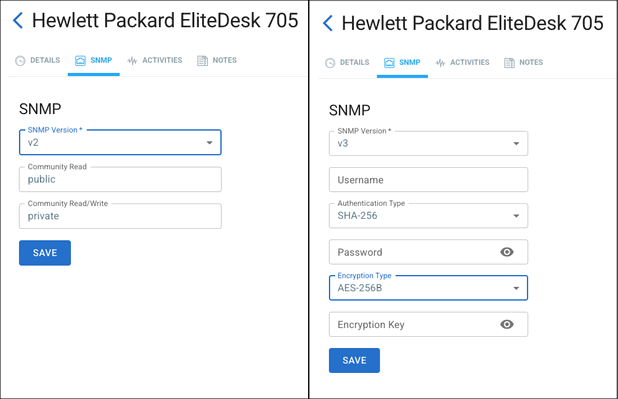
Once configured, the OvrC Pro agent attempts to get updated information about the device.
Note: You must complete SNMP configuration on the device itself before it can communicate with OvrC. Refer to the device's product documentation for its specific SNMP instructions.
Go back to the Devices tab and Scan the network again. Then select the device and verify the SNMP tab appears.
OvrC provides a standardized experience for every SNMP integration. Depending on what the manufacturer allows us to pull, we can display:
-
Manufacturer
-
Model
-
Location
-
Uptime
-
Network interface connection status
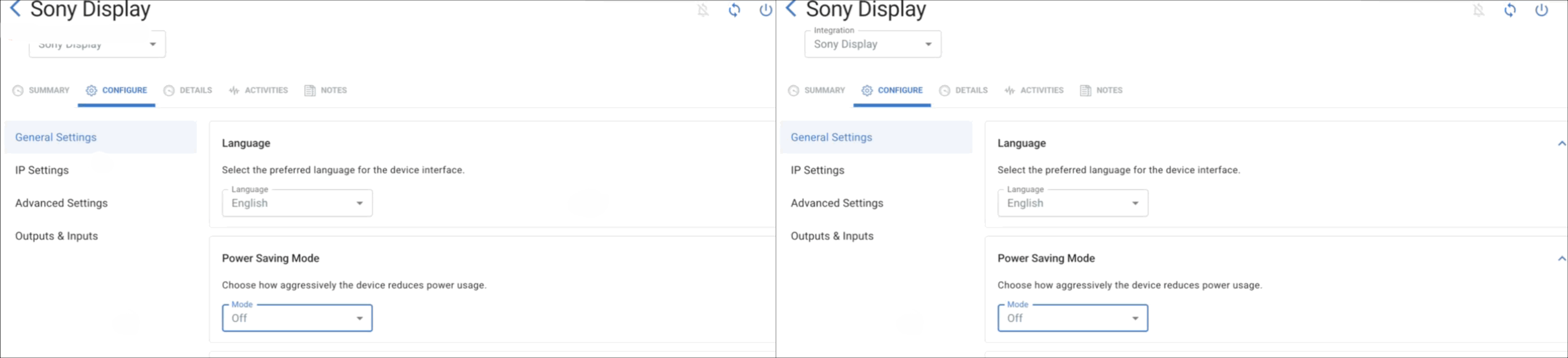
Troubleshooting features include a soft reboot (restarts without interrupting power) and power cycling PDUs or PoE switches.